🚀Quick Start#
By default, we switch between different simulators through identifying python version and environment variables:
# In legged_gym/__init__.py
if sys.version_info[1] >= 10: # >=3.10 for genesis and isaacsim
    simulator_type = os.getenv("SIMULATOR")
    if simulator_type == "genesis":
        SIMULATOR = "genesis"
    elif simulator_type == "isaaclab":
        SIMULATOR = "isaaclab"
    else:
        raise ValueError("Unsupported SIMULATOR type. Please set the SIMULATOR environment variable to 'genesis' or 'isaaclab'.")
elif sys.version_info[1] <= 8 and sys.version_info[1] >= 6: # >=3.6 and <3.9 for isaacgym
    SIMULATOR = "isaacgym"
To use IsaacGym, you need a virtual environment with python3.8. Python3.10 is viable for both Genesis and IsaacSim (IsaacLab), so we add an additional environment variable (SIMULATOR) to determine the simulator.
You can define customized strategies for switching between different simulators.
Switch Between Simulators#
We provide a convenient script switch_simulator.sh to help you quickly switch between different simulator environments.
Usage#
Run the script in the terminal:
source ./switch_simulator.sh
You will see the available simulator environments:
==========================================
       Simulator Switcher Tool
==========================================

Available conda environments:
  [✓] lr_gym (IsaacGym)
  [✓] lr_gen (Genesis)
  [✓] lr_lab (IsaacLab)

Available options: isaacgym, genesis, isaaclab
Please enter the simulator name (or type 'exit' to quit):
Enter one of the following options:
isaacgym- Switch to IsaacGym environment (Python 3.8)genesis- Switch to Genesis environment (Python 3.10)isaaclab- Switch to IsaacLab environment (Python 3.11)
What the Script Does#
The script automatically:
Detects available conda environments
Activates the corresponding environment
Sets necessary environment variables:
IsaacGym: Exports
LD_LIBRARY_PATHfor IsaacGym librariesGenesis: Exports
SIMULATOR=genesisIsaacLab: Exports
SIMULATOR=isaaclab
Manual Environment Switching#
If you prefer to manually switch environments, use the following commands:
IsaacGym:
conda activate lr_gym
export LD_LIBRARY_PATH=/home/username/miniconda3/envs/lr_gym/lib:$LD_LIBRARY_PATH
Genesis:
conda activate lr_gen
export SIMULATOR=genesis
IsaacLab:
conda activate lr_lab
export SIMULATOR=isaaclab
Switching Environments in Docker#
Outside of the container:
# IsaacGym
docker run --gpus all -it --rm leggedgym-ex:all isaacgym
# Genesis
docker run --gpus all -it --rm leggedgym-ex:all genesis
# IsaacSim
docker run --gpus all -it --rm leggedgym-ex:all isaacsim
Inside the container:
# IsaacGym
source /workspace/LeggedGym-Ex/.venv-isaacgym/bin/activate
export SIMULATOR=isaacgym
# Genesis
source /workspace/LeggedGym-Ex/.venv-genesis/bin/activate
export SIMULATOR=genesis
# IsaacSim/IsaacLab
source /workspace/LeggedGym-Ex/.venv-isaaclab/bin/activate
export SIMULATOR=isaaclab
Train a go2 policy on the plane#
Under the directory of legged_gym/envs, we can see multiple folders for different robots. To train a locomotion policy for go2 robot on the flat ground, we can refer to the go2 environment in legged_gym/envs/go2/go2.py which inherits the LeggedRobot class from legged_gym/envs/base/legged_robot.py.
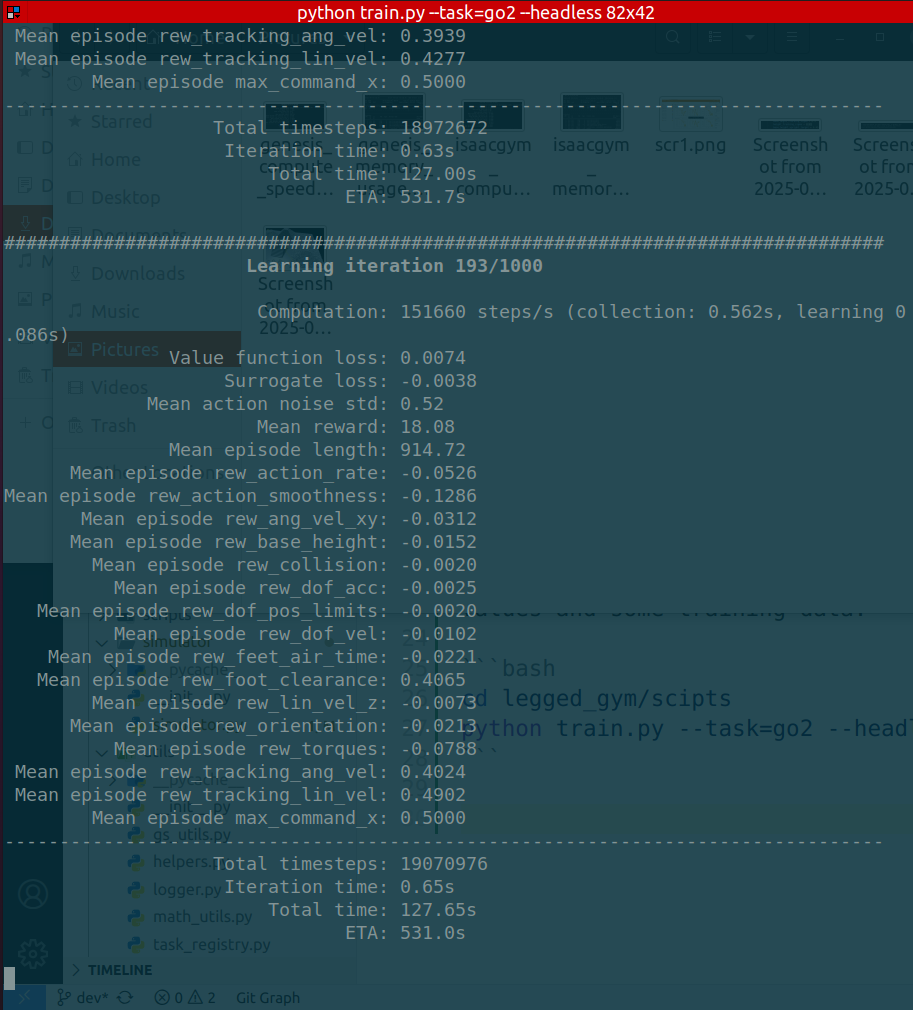
Run the following command and you will see log information pumping in the terminal, showing reward values and some training data:
cd legged_gym/scipts
python train.py --task=go2 --headless
Play the trained go2 policy in Genesis#
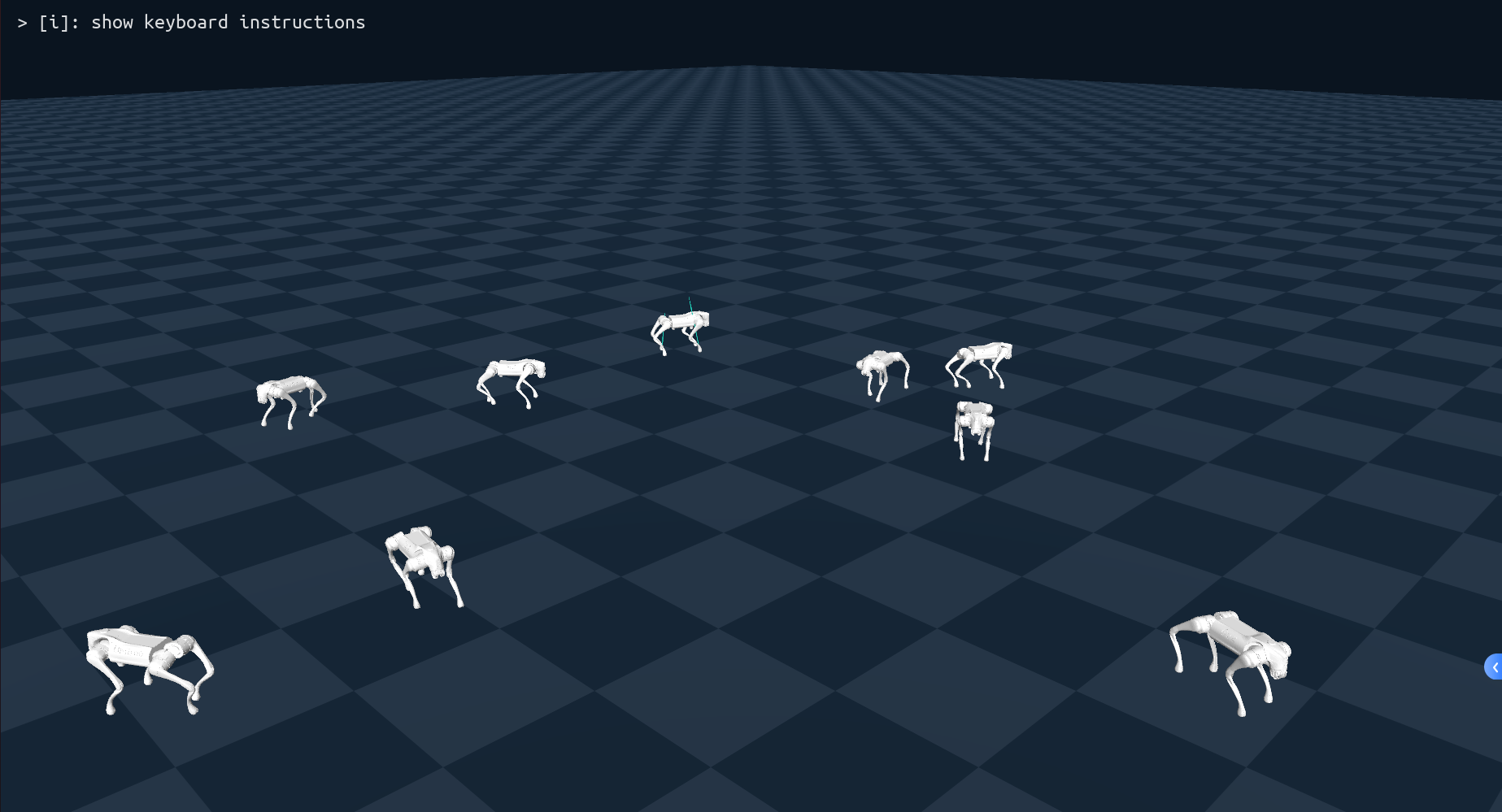
After the training is over (1000 iterations), you will see a new folder named by the date and time when the training begins (in the format of date_time_, such as Sep03_16-30-16_). This folder contains the resulted checkpoints of this training session and is located under logs/experiment_name/, where experiment_name is specified in go2_config.py. You can run the following command and will see a simulator scene showing the robots walking on the plane:
python play.py --task=go2 --load_run=train_session_name
Note
If you use IsaacGym or IsaacSim simulator, the pipeline is the same other than that the simulator window is different.
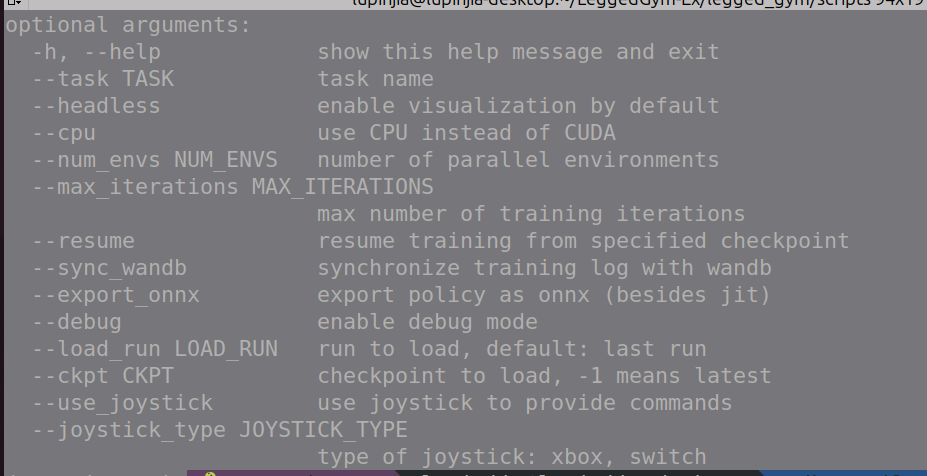
For more information about the command line arguments, please use python play.py --help: